Touchdown Trips
Pre-liveTour operations app
A tour team checking travellers off on their phones, each tick showing on everyone else's phone within seconds.
Overview
Touchdown Trips runs group tours to Paris, Madrid and Munich. When a group lands, the team on the ground has to know who has checked in at the hotel, who has their metro pass and whose travel dates still need confirming, for every traveller, while standing in a hotel lobby. That was being done from spreadsheets and a prototype page that saved its ticks in one browser on one device, so no two people saw the same list.
The challenge
Several people tick travellers off at once, on different phones. They have to see the same list.
The list is personal data: names, flights, bookings and access needs. It needs a proper home, not a spreadsheet passed around.
The traveller lists arrive as the tour company's own spreadsheets and booking-system exports, in their own shape.
A hotel lobby has poor signal. A tick that did not save has to say so.
The approach
Start with the first tour and the two ticks it needs, Hotel checked in and Metro pass given, and build the rest on top.
Keep the travellers' details private: only invited staff can sign in, and nothing about travellers stays on the phone.
Import the tour company's files as they come, keeping every column, rather than asking them to change their process.
Build and test with fake travellers only. Real records never go into the code, the tests or a screenshot.
What we built
Invited staff only
Only staff the team invites can sign in, and signing out removes everything from the phone.
One live list
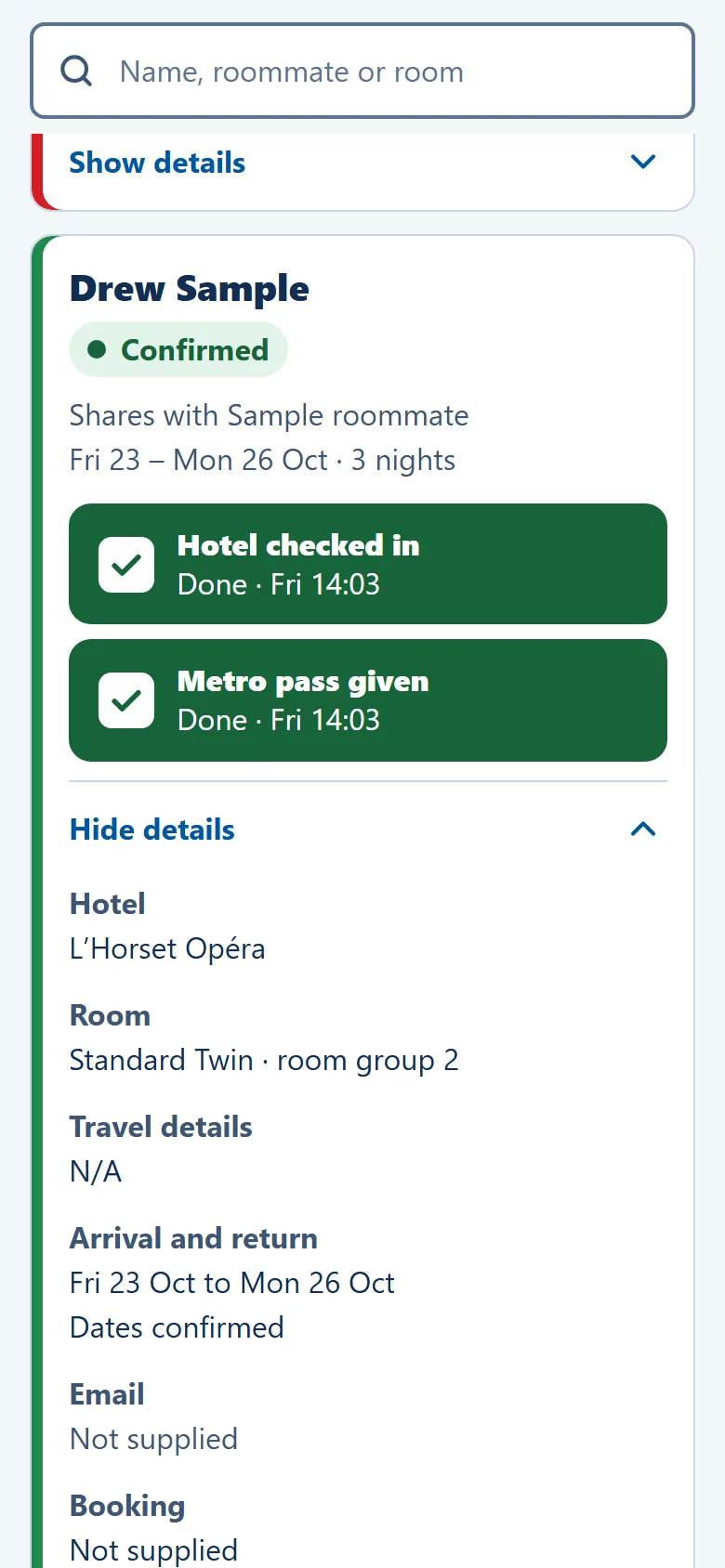
Every phone shows the same tour. A tick appears on everyone else's phone within seconds, with the time it was made.
Status at a glance
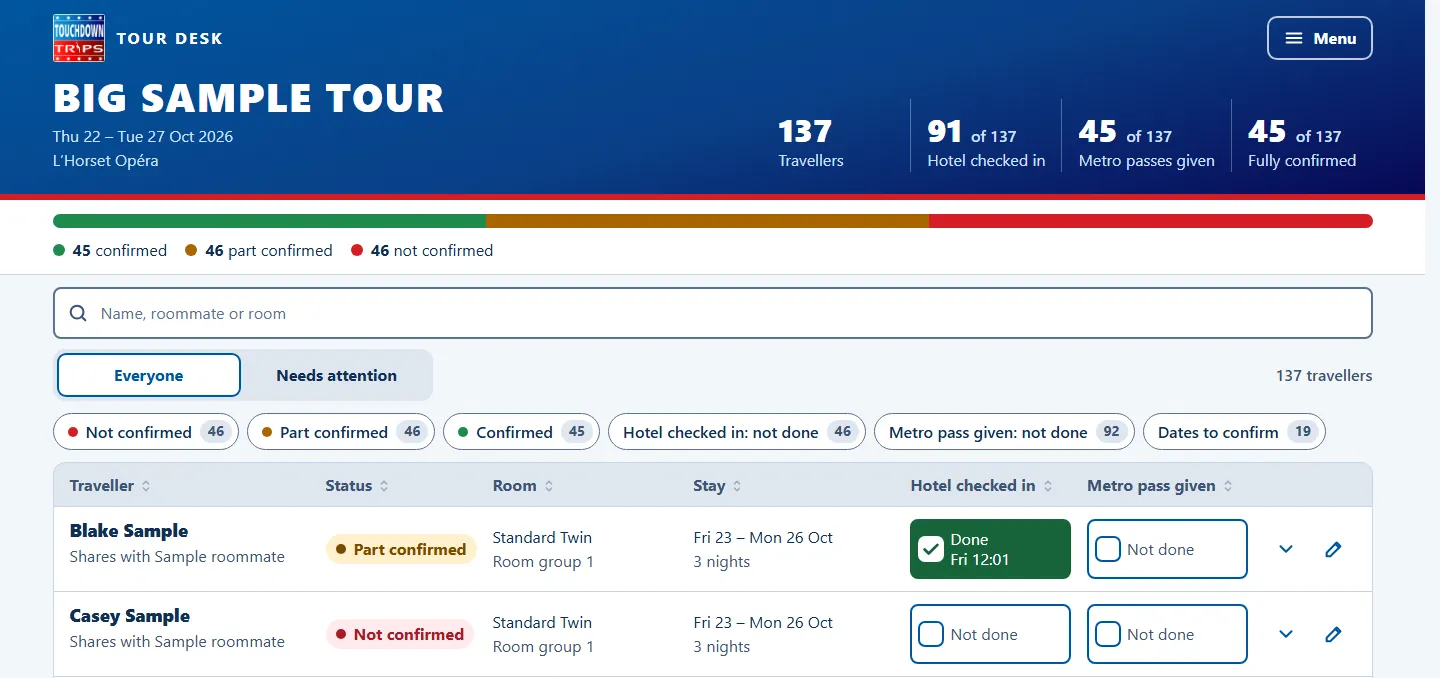
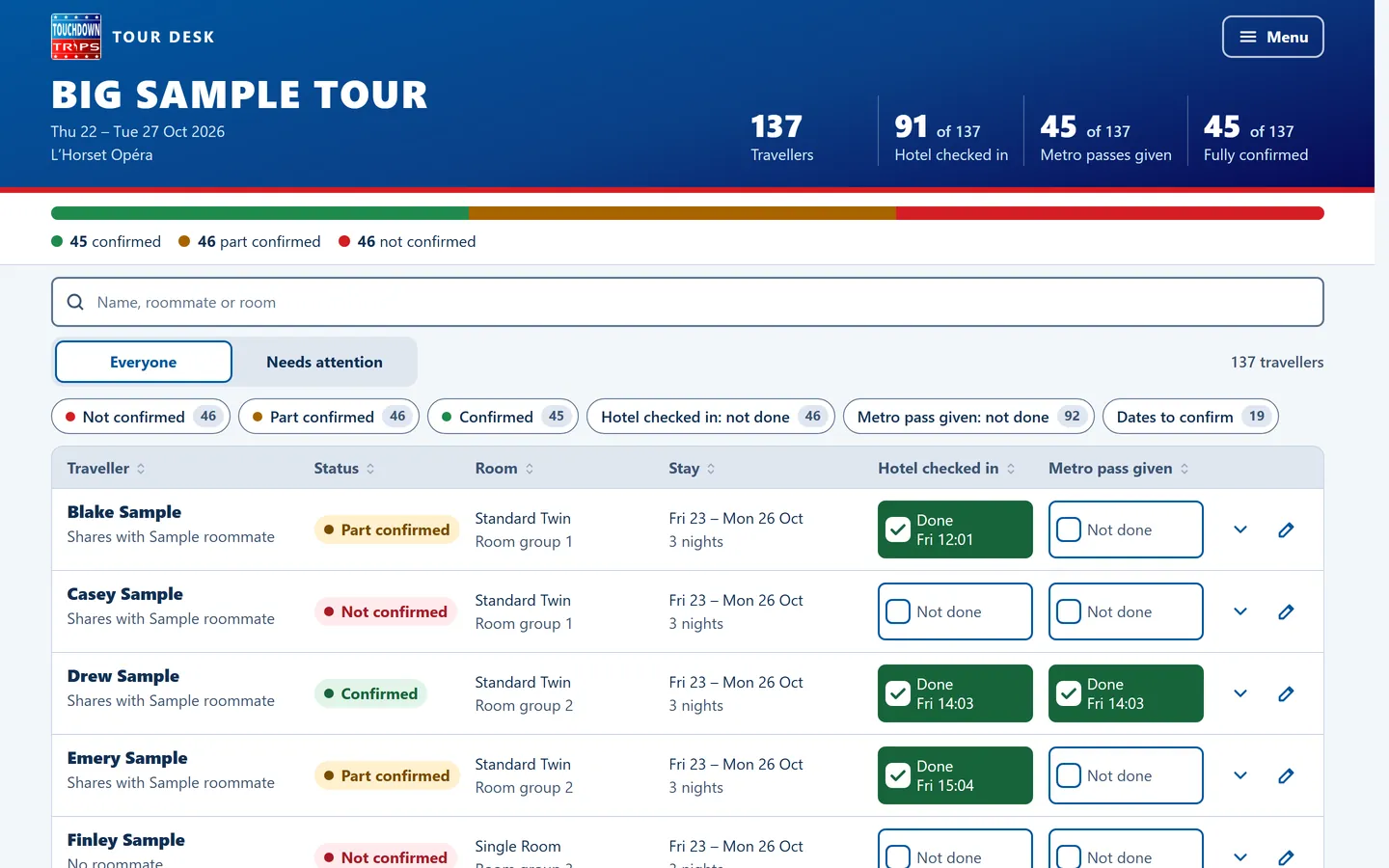
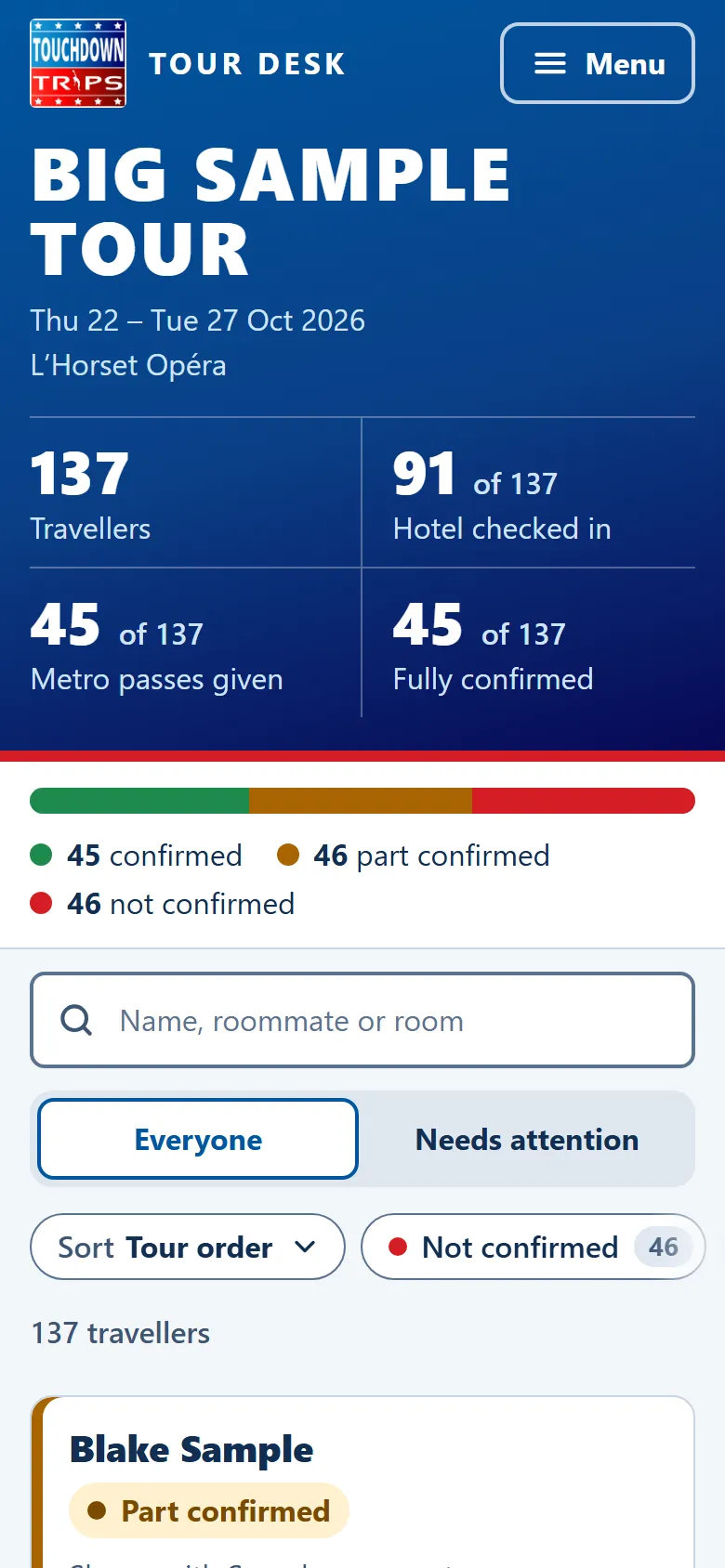
Red, amber or green for each traveller, a progress bar for the tour, search, filters and a Needs attention view.
Phone and desktop
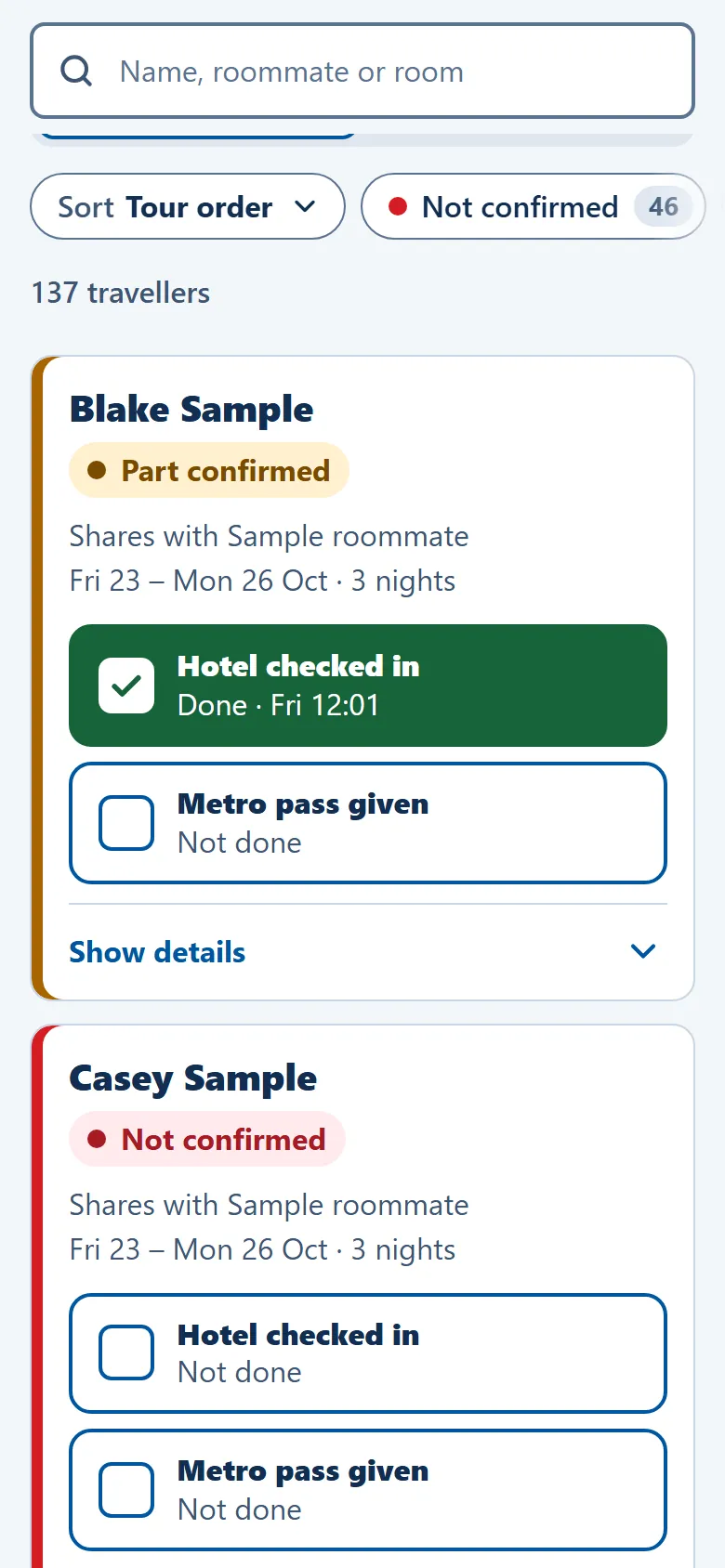
Cards with two big ticks on a phone; a sortable table on a tablet or laptop.
Import and export
Import the tour company's master sheet or booking list with a preview first, and export the tour as a spreadsheet.
Private by design
Only active staff can see the tours, every deletion records who made it, and no traveller data ever ships inside the app.
Screenshots
Taken from the app running on its practice data. Every traveller shown is fake; no real record appears on this page.
What it connects to
Spreadsheet import and export
What changed
Outcome: A working tour desk, built over four days for the Paris tour team, with a practice tour of fake travellers for the team to learn on. It is shown here as pre-live, which is how its own project records it. We publish no figures for it.
Supporting evidence
Pre-live, as its project records it. Only invited staff can sign in.
The tour company agreed to its travellers' data being stored in the app.
Every screenshot on this page uses the app's fake practice data. No real traveller appears anywhere on this site.
Is your team running something important from a shared spreadsheet?
Tell us who needs to see what, and when. We will show you the app version.
Talk it through with us. No obligation to go any further.